TIA-598-C
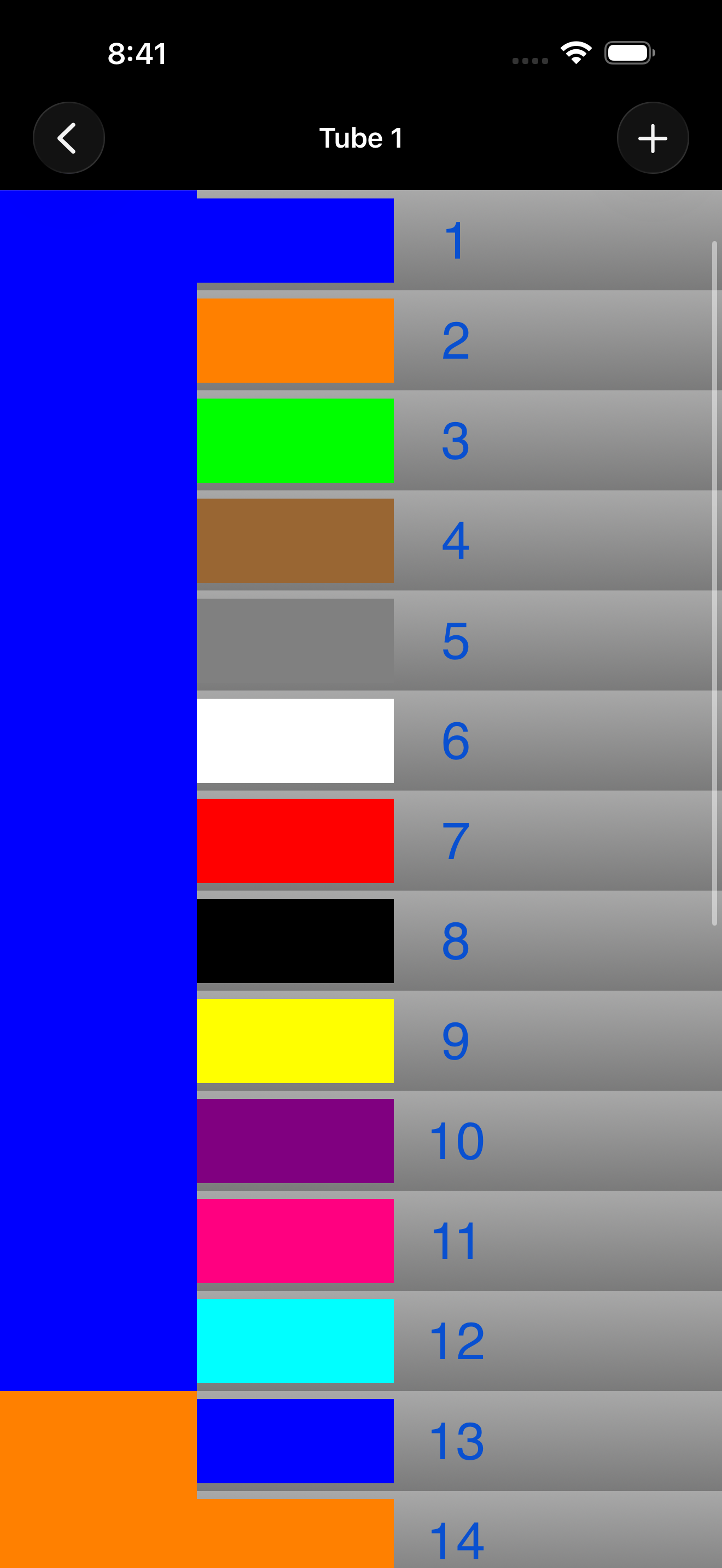
Fiber 1 is blue, fiber 12 is aqua, and fiber 13 starts the rotation again in the next tube. Every answer the app gives you comes out of this sequence.
Entry
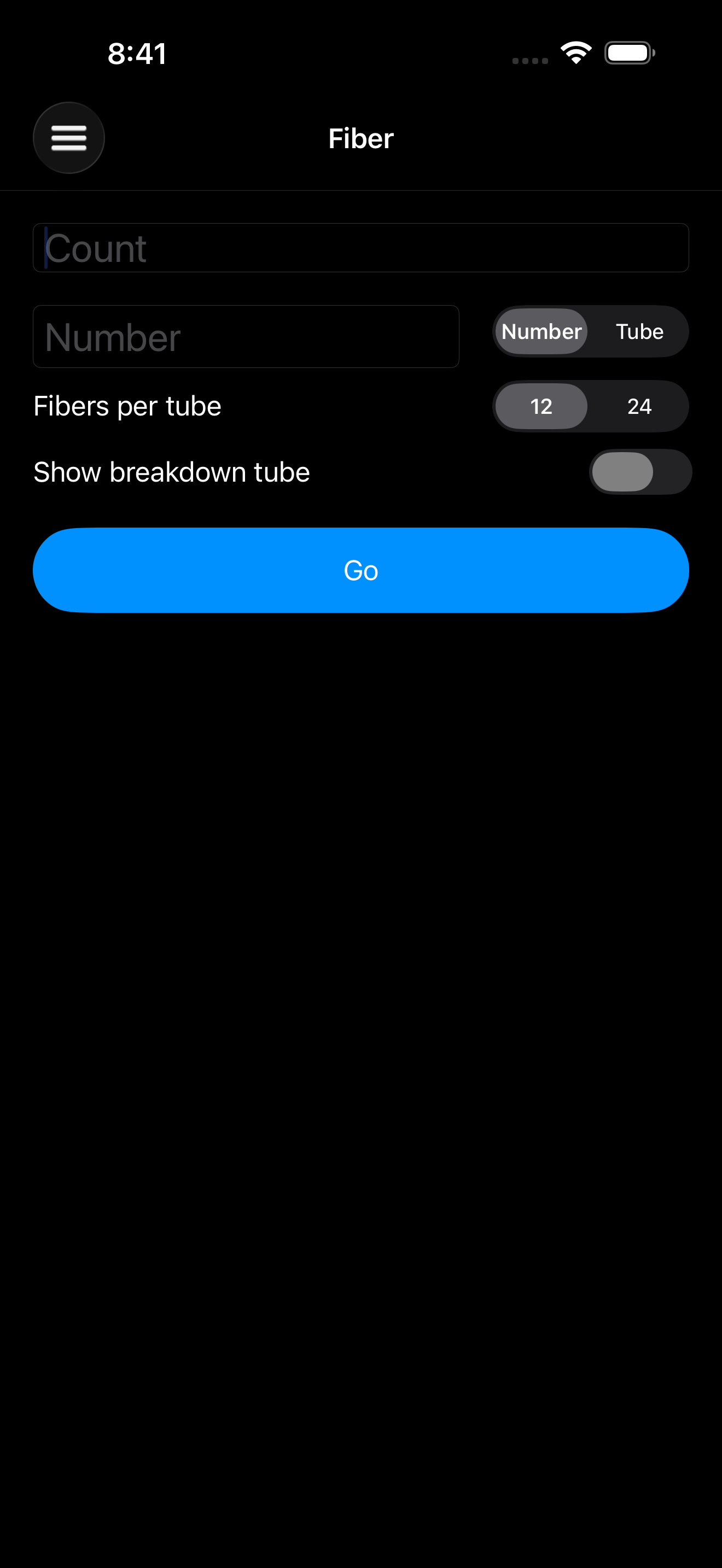
A strand count, plus either a fiber number or a tube number — whichever one you have in front of you. Set 12 or 24 fibers per tube and go.
Results scroll continuously: past the end of a tube, the next one picks up where it left off. Tap any row to hold it under your thumb while you look away.
Breakdown tubes
When a cable carries a breakdown tube, switch it on and Fiber runs its rotation alongside the main one — starting at the tube it actually begins in, not at fiber 1.
Notes
Save a count, tube, and number with whatever else matters — the address, the contact, what you found in the vault. Search back through them later. Phone numbers and addresses are tappable, so a note gets you to a call or to Maps without retyping anything.
Past tube 12
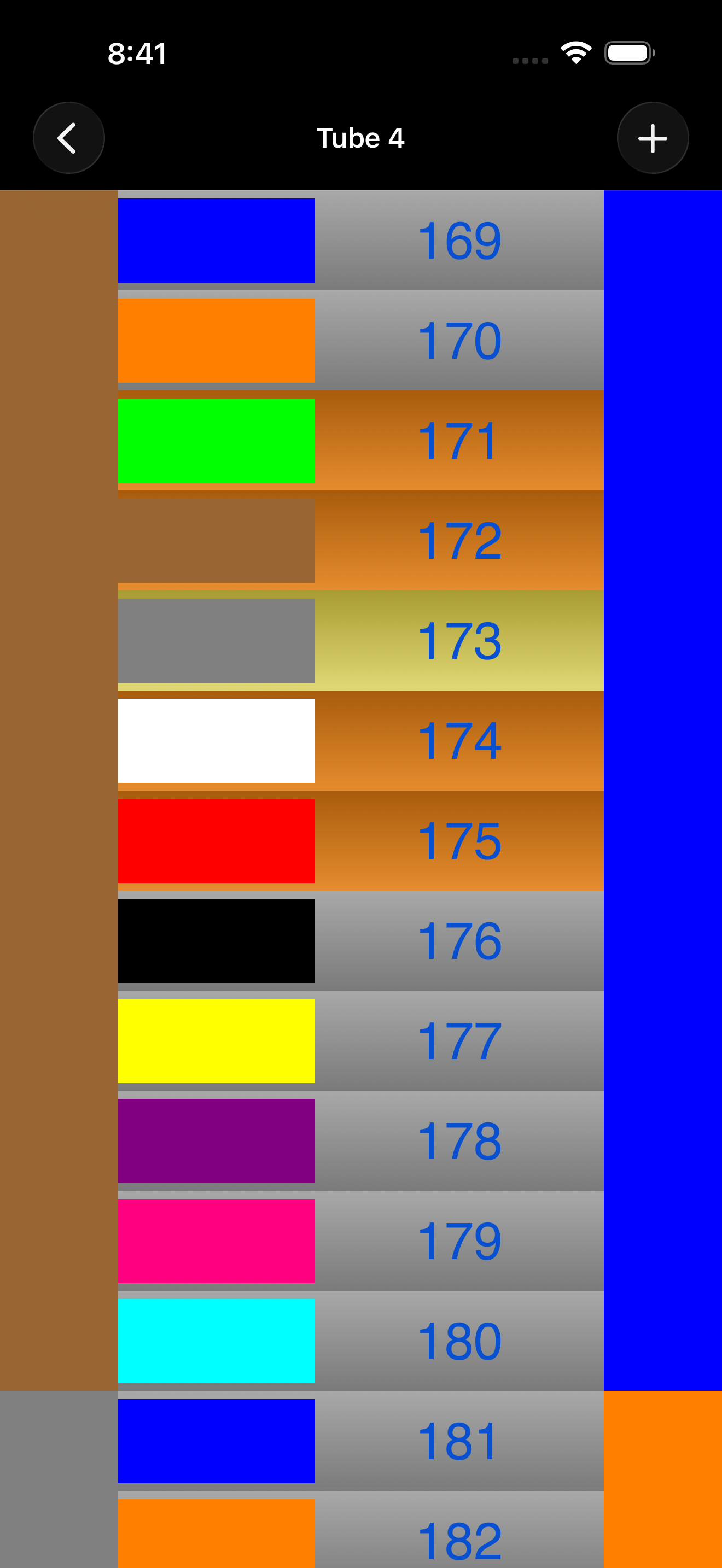
The twelve colors run out at tube 12. Fiber keeps counting by marking each trip through the rotation with black tracer stripes, the way the cable does — so tube 1 and tube 13 never look like the same tube.
Privacy
Fiber doesn't collect, store, or transmit any data. There's no account to make and no analytics to opt out of. The app has no networking code in it at all, which also means it works the same in a vault, a manhole, or anywhere else with no signal.